Display
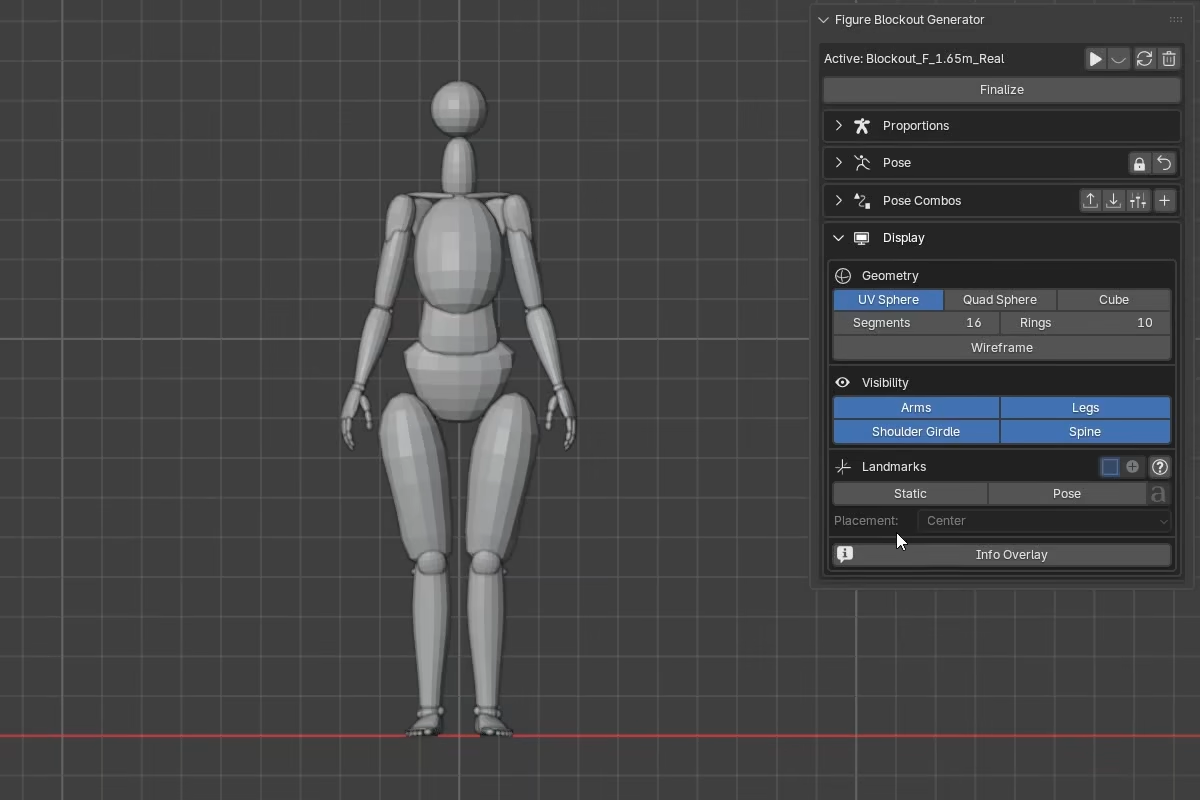
The Display section controls the blockout's geometry, visible body regions, landmarks, and info overlay.
Geometry
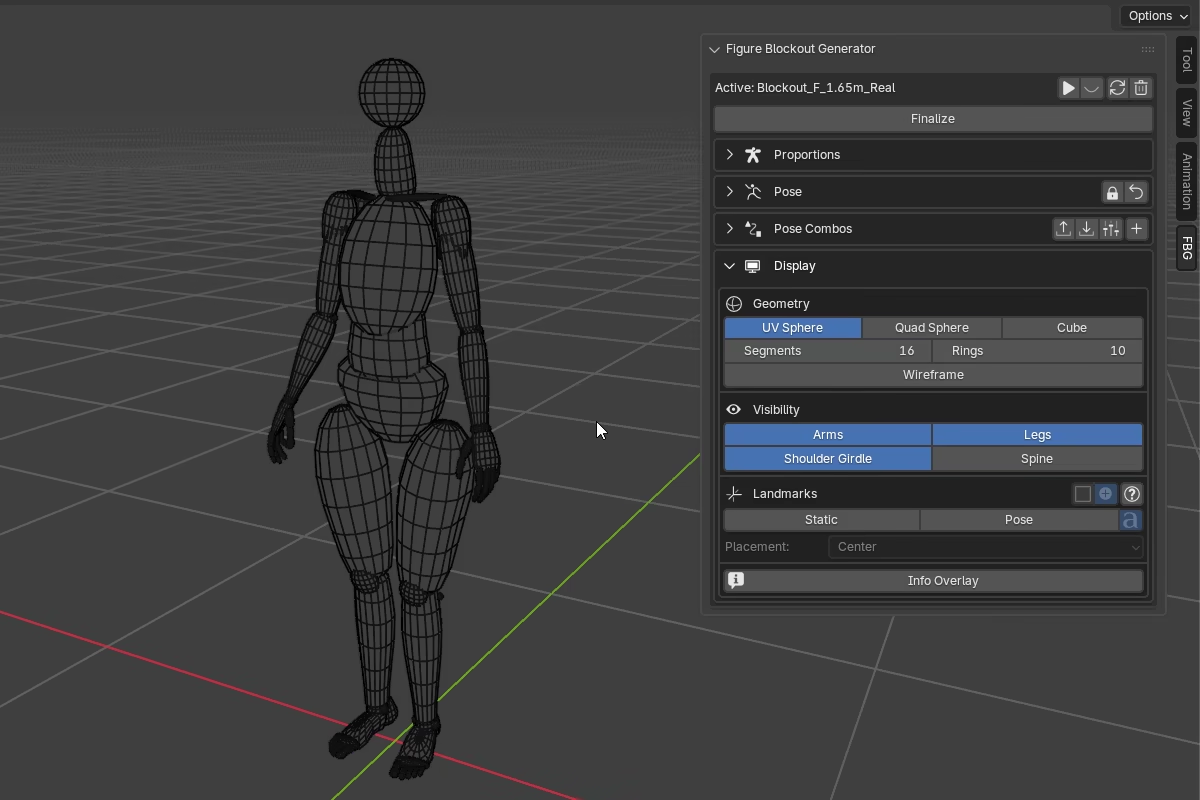
Three geometry modes control the base shape of the generated objects:
- UV Sphere -- smooth, rounded geometry. Resolution is controlled by
SegmentsandRings. - Quad Sphere -- evenly distributed quads projected onto a sphere. Resolution is controlled by
Subdivisions. - Cube -- angular, box-based geometry with flat faces. No resolution controls.
The optional Spine object is separate from these base modes. It is built as its own custom mesh rather than from the same body-part primitives.
Changing the geometry mode or resolution triggers a rebuild. Higher resolution produces smoother forms but makes rebuilds, mesh deformation, and animation playback heavier.
Wireframe switches all generated objects between wireframe and solid display. This toggles Blender's Display As property between Wire and Textured on every generated mesh.
Visibility
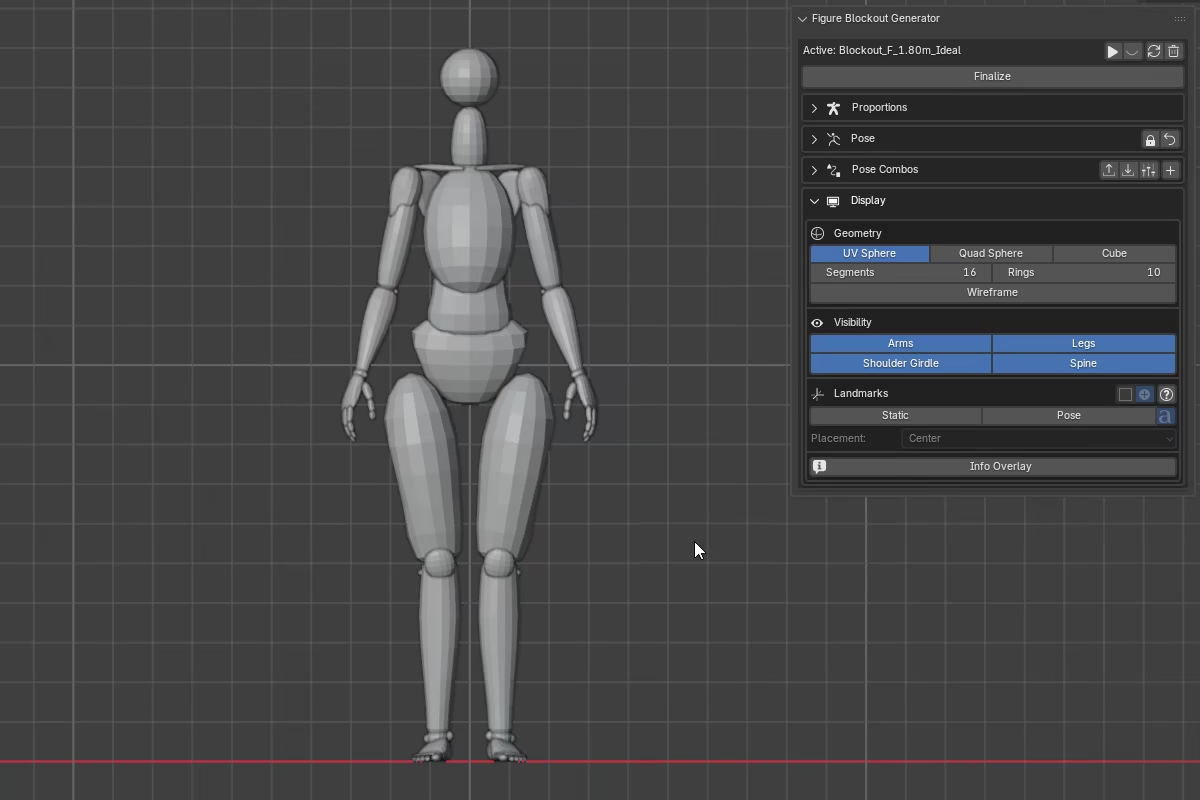
Four toggles control which body regions are included in the blockout:
ArmsLegsShoulder GirdleSpine
Toggling a region on or off triggers a targeted rebuild of that section.
Spine enables a dedicated spine visualization object. It is built as a single mesh sampled through vertebral levels from the coccyx to C1, and updates with the solved spinal curve as the figure is posed.
Landmarks
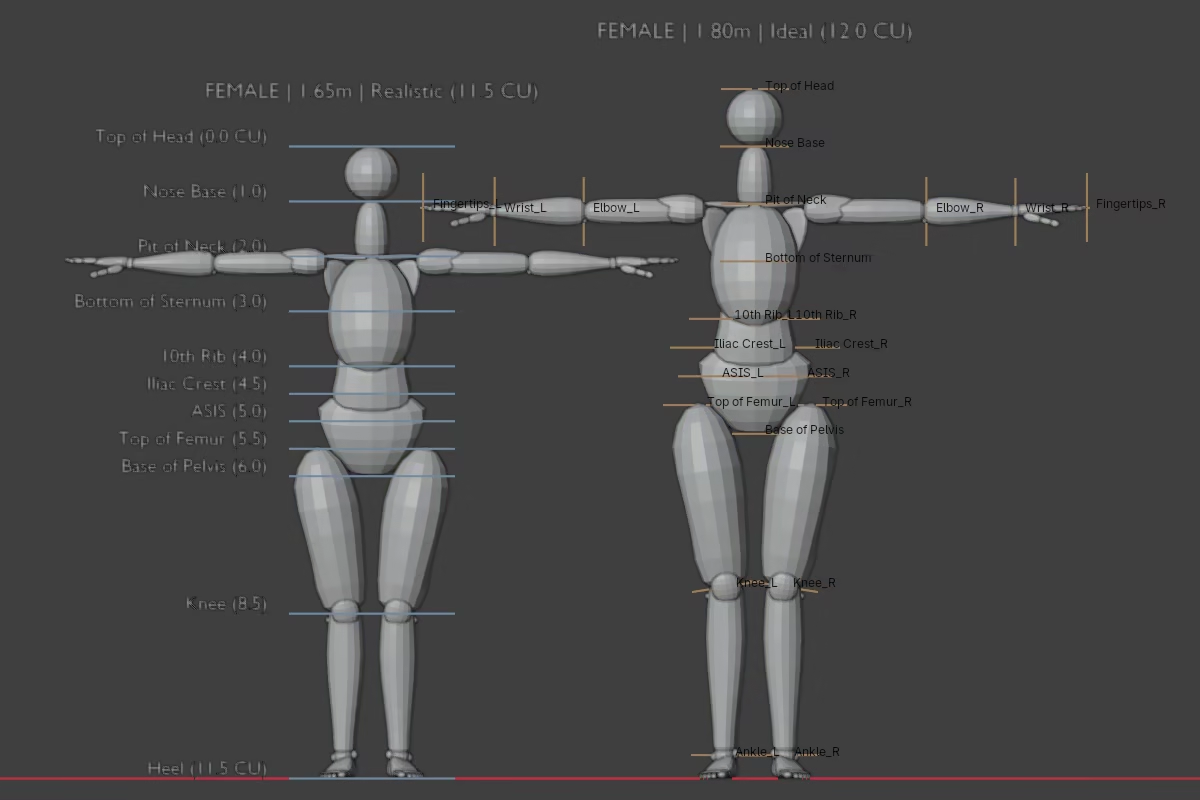
FBG provides two independent landmark systems that can be enabled separately or together. They are guide markers for reading the figure -- not a strict anatomy lesson or a guarantee of exact surface anatomy.
Controls
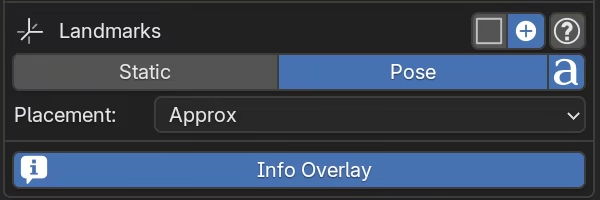
The Landmarks UI includes:
Staticenables CU-based proportion landmarks.Poseenables landmarks that follow the posed figure.Placementcontrols how central body landmarks in Pose mode are positioned.Show Pose Namestoggles Blender name overlays for Pose landmarks.SquareandCrosscontrol how landmark guides are drawn.- The ? button opens a glossary popup with a short description of each landmark name.
What they represent
Static landmarks
Static landmarks are fixed proportion guides tied to the blockout's proportional setup. They behave like a vertical ruler built from FBG's Cranial Unit system -- placed at specific CU heights, staying fixed relative to the figure's proportional scaffold, and not following the live pose.
They cover key proportion levels from Top of Head down to Heel.
Pose landmarks
Pose landmarks are generated from the current posed figure rather than fixed proportion levels. They are driven by FBG's solved anchor chain, so they update as the figure moves.
Pose landmarks do not match the Static set one-to-one. The torso and head reuse many of the same landmark names, but the limb set is different: Pose landmarks add the arms, use per-side joints, and use ankle markers instead of the Static heel level.
Which Pose landmarks appear depends on which body parts are visible.
Placement
Pose landmarks offer two placement modes for the central body landmarks:
- Center -- landmarks are placed as centered height markers.
- Approx -- landmarks are placed at approximate surface positions in X and Y.
Practical Note
The landmark system is meant to help you read the figure, not to replace judgment. Real bodies vary, and a blockout is always a simplification.
For smoother playback, it is also recommended to disable landmarks when animating.
Info Overlay
Info Overlay shows a text summary of the current blockout definition in the viewport. It displays the gender, total height, proportion type, and cranial unit count -- for example:
FEMALE | 1.65m | Realistic (11.5 CU).