Root
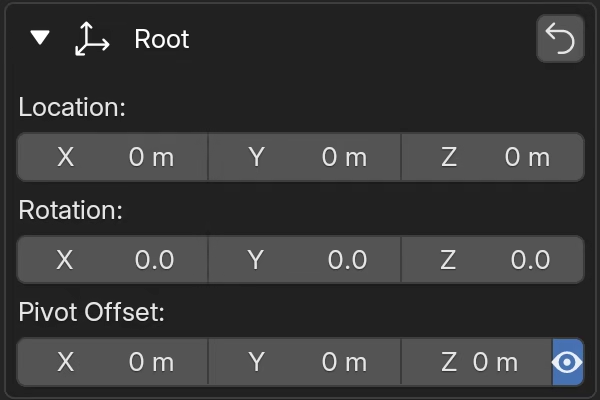
This section places and orients the figure in world space. All other pose sections work relative to that root transform.
Location
X, Y, and Z move the figure in world space. These are the broadest placement controls - use them to place the figure in the scene rather than to shape the pose itself.
Rotation
X, Y, and Z rotate the figure around the current pivot point.
When Pivot Offset is 0,0,0, rotation uses the default root pivot. Moving Pivot Offset changes where rotation occurs.
Pivot Offset
Pivot Offset repositions the rotation pivot in figure-local space. X, Y, and Z shift the pivot away from its default position.
Pivot compensation
If the figure already has root rotation, changing Pivot Offset can also change the Location values automatically. This is intentional: FBG compensates the root position so the figure stays visually in place while you reposition the rotation pivot. Without this compensation, the figure would drift in space when the pivot changes under an existing rotation.
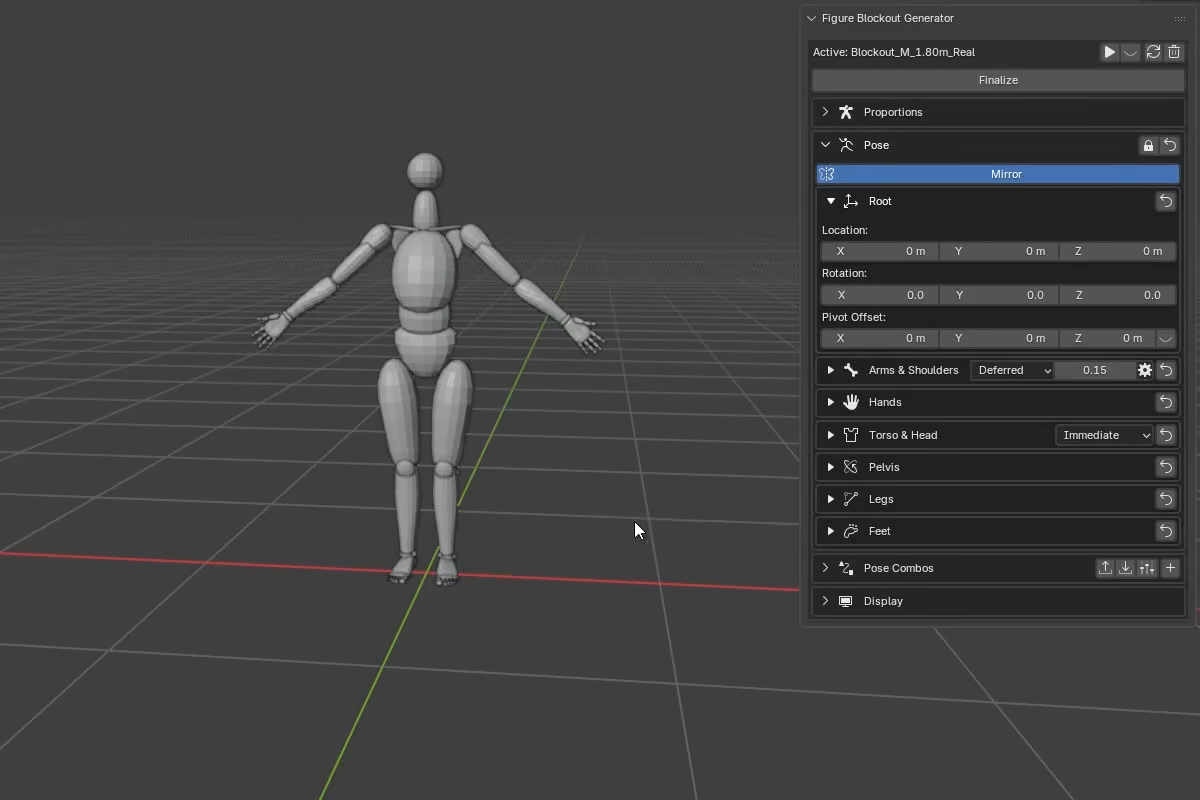
The eye icon next to the pivot controls shows or hides the pivot marker in the viewport, which makes it easier to see exactly where the pivot is placed.