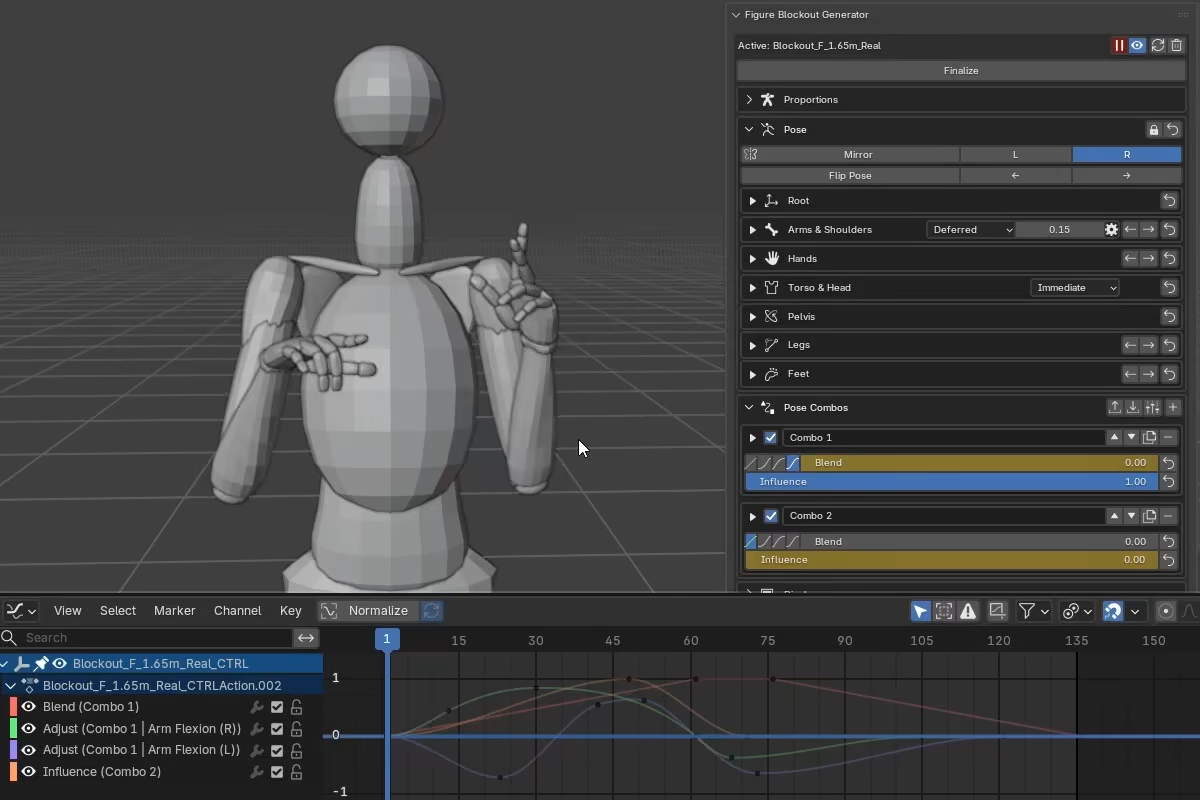
Hands
A few broad controls cover most hand poses. Per-finger channels are available when you need local refinement.
At a glance
Wrist -- Flexion, Deviation, and Pronation define the wrist orientation.
Fingers -- layered from broad to specific:
Relaxsets the resting posture (baseline curl and slight rest splay).Curl ShapeandDIP Lockrefine how curl distributes across the joints.Finger Curl,Finger Abd, andMCP Extare the main shape controls.Per-Finger Controlopens individual channels for each finger.
Thumb -- independent of the finger system:
Thumb CurlandThumb IP Lockcontrol the curl.T Opp,T Abd, andT Rollset the base placement.
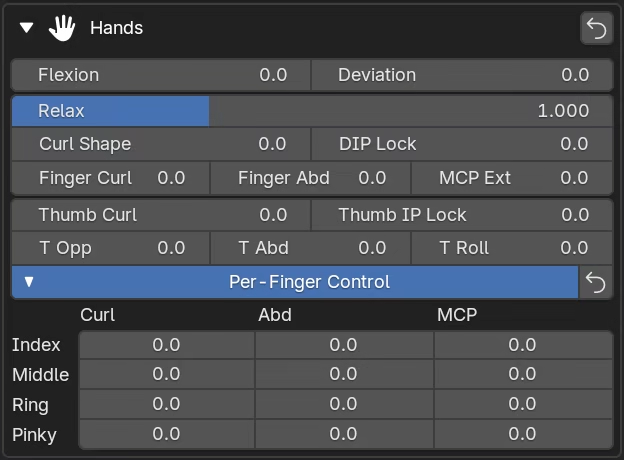
Joint terminology
The hand controls reference specific finger joints by their anatomical abbreviations. From base to tip:
- CMC -- carpometacarpal joint, at the base of the thumb where it meets the palm.
- MCP -- metacarpophalangeal joint, the knuckle. All five digits have an MCP joint.
- PIP -- proximal interphalangeal joint, the middle joint of the four fingers.
- DIP -- distal interphalangeal joint, the last joint before the fingertip on the four fingers.
- IP -- interphalangeal joint, the single joint near the thumb tip. It is the thumb's equivalent of the finger DIP.
Wrist controls
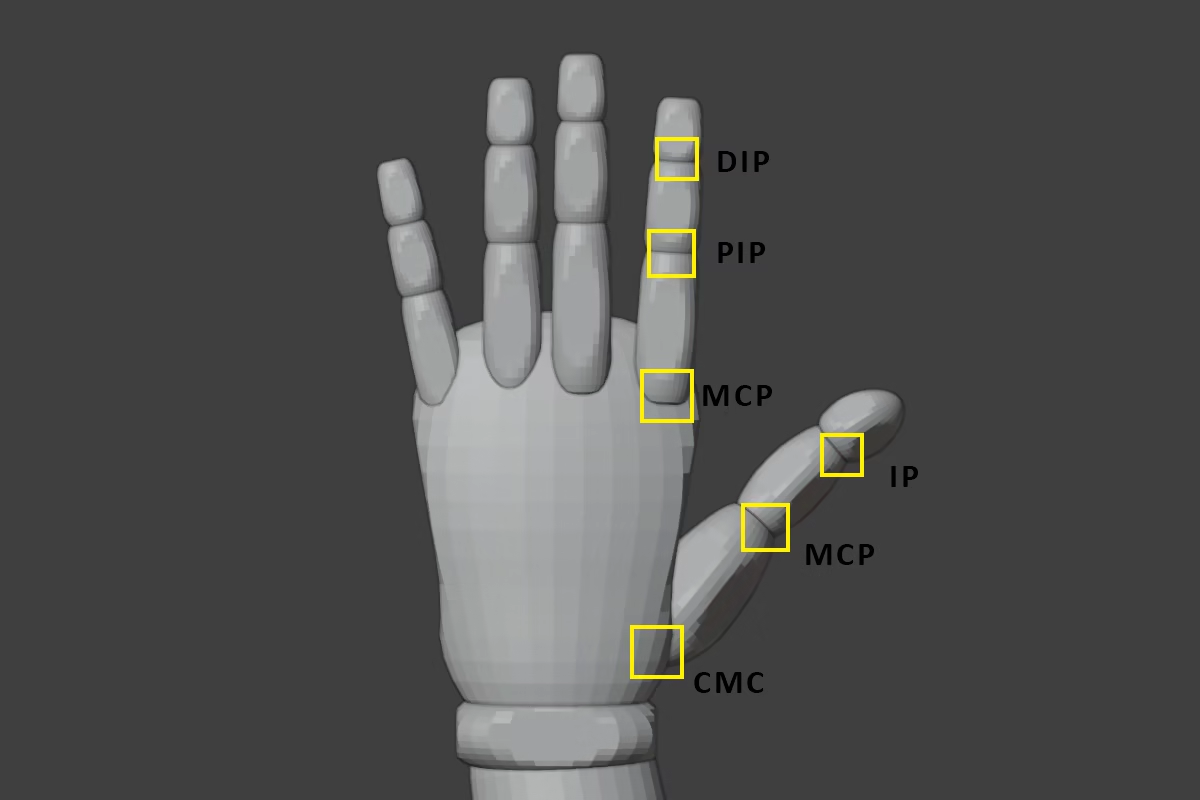
The wrist controls orient the hand relative to the forearm.
Flexion bends the hand toward or away from the forearm.
Deviation tilts the hand toward the thumb side (radial deviation) or pinky side (ulnar deviation).
Pronation rotates the forearm and hand around their long axis. This control lives in the arm section, but it works together with Flexion and Deviation to define the hand orientation.
Wrist controls and Hand Pin
When Hand Pin is active, wrist controls remain available, but the pinned solve compensates for them to preserve the captured hand orientation. For predictable results, set the wrist pose before capturing.
Finger controls
The finger controls are built in layers. Relax sets the baseline posture, the global controls (Finger Curl, Finger Abd, MCP Ext) shape the hand, and per-finger channels add local refinement where needed.
Relax
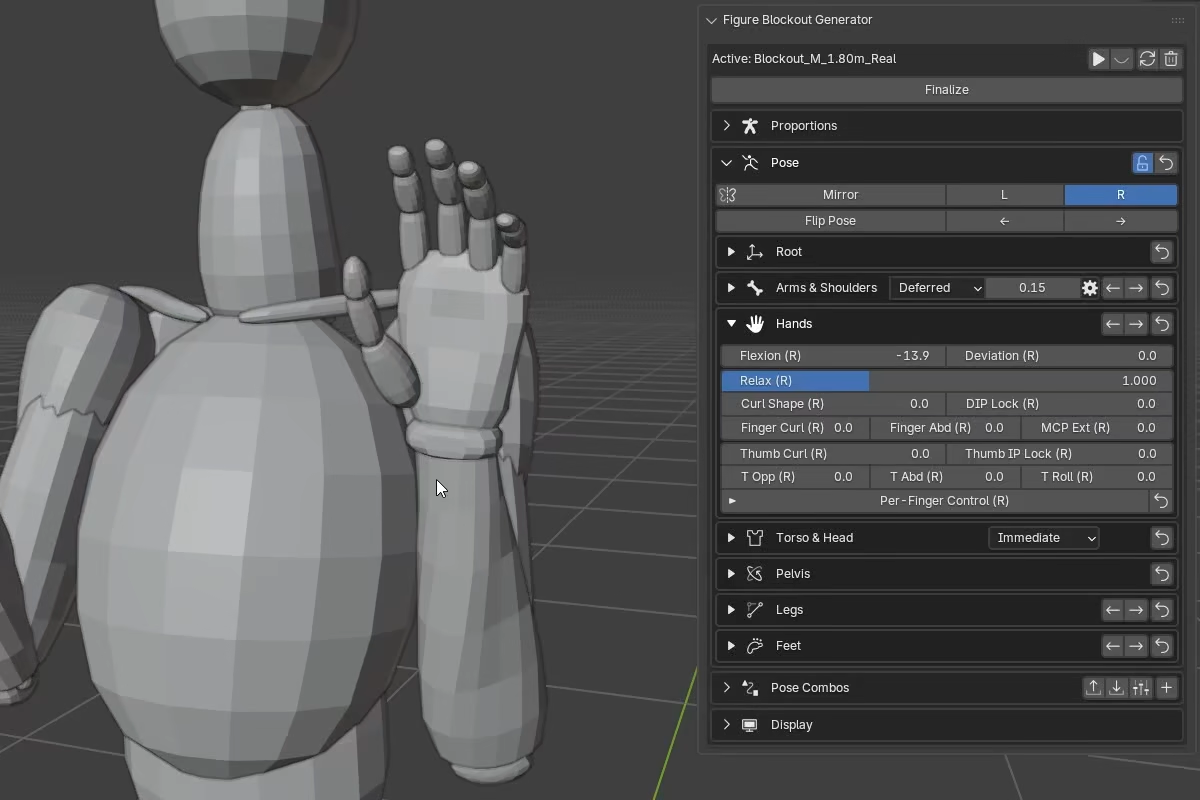
Relax sets the resting posture of the four fingers -- both the baseline curl and a small amount of splay. At 0 the fingers are flat and straight. At 1 they settle into a relaxed curve. Values above 1 exaggerate that resting curl.
Relax does not affect the thumb.
Curl Shape
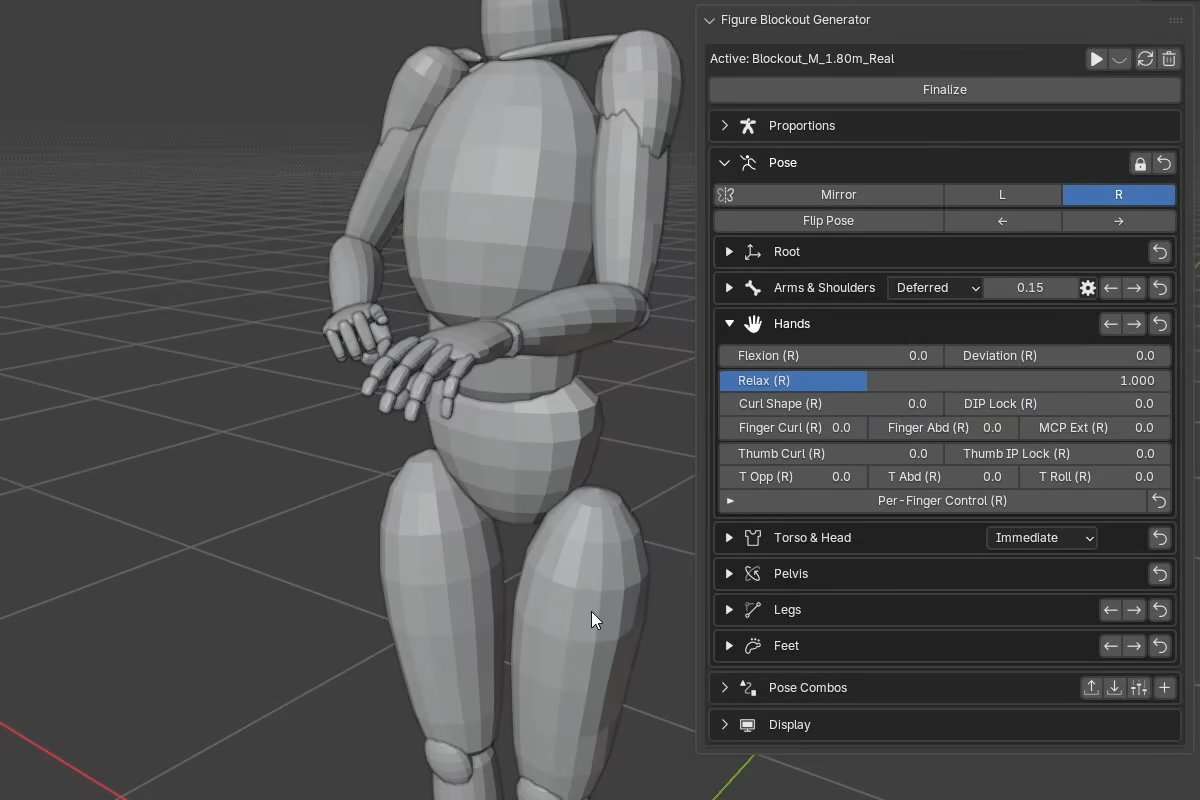
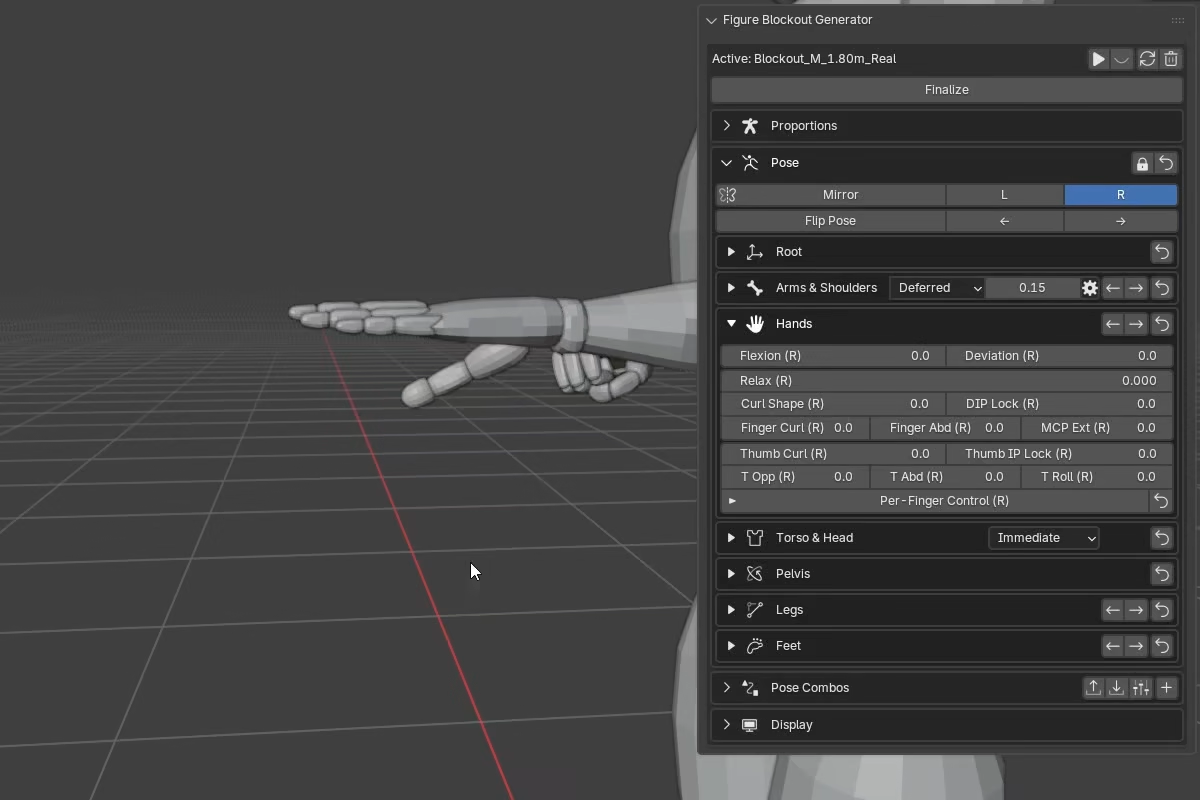
Curl Shape changes how finger curl is distributed across the MCP, PIP, and DIP joints. At 0 the curl input is weighted equally across joints. Positive values make the curl tip-heavy so the distal joints close faster. Negative values make it base-heavy so the knuckles lead the motion.
Curl Shape does not affect the thumb.
Animation note
Finger Curl produces linear angular velocity at the default Curl Shape of 0, so F-curve easing works as expected. At other Curl Shape values, different joints reach their ROM limits at different points in the slider range -- the effective angular velocity is not perfectly uniform across joints.
DIP Lock
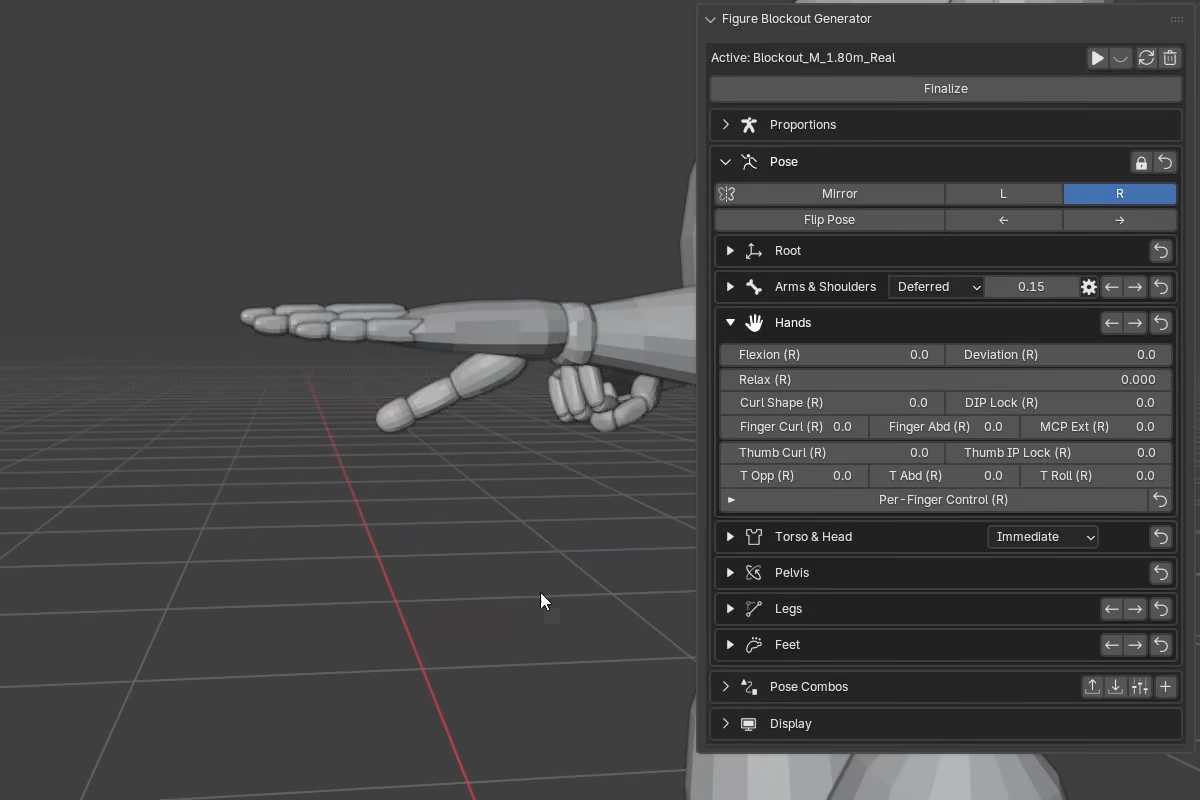
DIP Lock keeps the fingertip (DIP) joints flatter while the rest of the finger continues to curl -- positive values blend the DIP angle toward zero. At 1 the DIP stays fully flat regardless of curl, while MCP and PIP curl freely. Partial values give a proportional result.
This is useful for poses where you need PIP bend without fully curling the fingertips, such as claw or tabletop poses.
DIP Lock does not affect the thumb. Thumb tip locking is handled separately by Thumb IP Lock.
As the fingers flex, FBG adds natural PIP-DIP coupling automatically. DIP Lock can override this to hold the fingertip joints flatter when needed.
Main controls
The main controls shape all four fingers at once.
Finger Curl is the main curl control.
-1extends the fingers.0keeps the fingers at their resting pose (set byRelax).1fully curls them into flexion.
Finger Abd spreads or closes the fingers at the knuckles.
MCP Ext extends or flexes the fingers at the knuckles independently of finger curl. Only the MCP joint is affected, so you can lift or flatten the knuckles without changing how curled the fingers are.
Palm scaling
The palm object scales along its length as the fingers curl. This compensates for a built-in overlap that extends the palm into the finger bases to represent the webbing between the fingers. Without the scaling, the palm would visually protrude in closed hand poses.
Per-Finger Control
Per-Finger Control opens a compact table with Curl, Abd, and MCP channels for each finger (index, middle, ring, pinky).
Most per-finger channels are additive on top of the main controls. The exception is the middle finger's Abd channel, which acts as its own reference rather than adding to the global splay -- this matches the anatomy where the middle finger is the reference axis for finger abduction.
Per-finger curl channels include built-in headroom (about 15%), so you can push one finger further even when global Finger Curl is already near its limit.
The foldout header includes its own reset button, so you can clear only the per-finger overrides without resetting the whole hand.
Thumb controls
The thumb uses its own control set and is not affected by Relax, Curl Shape, or DIP Lock.
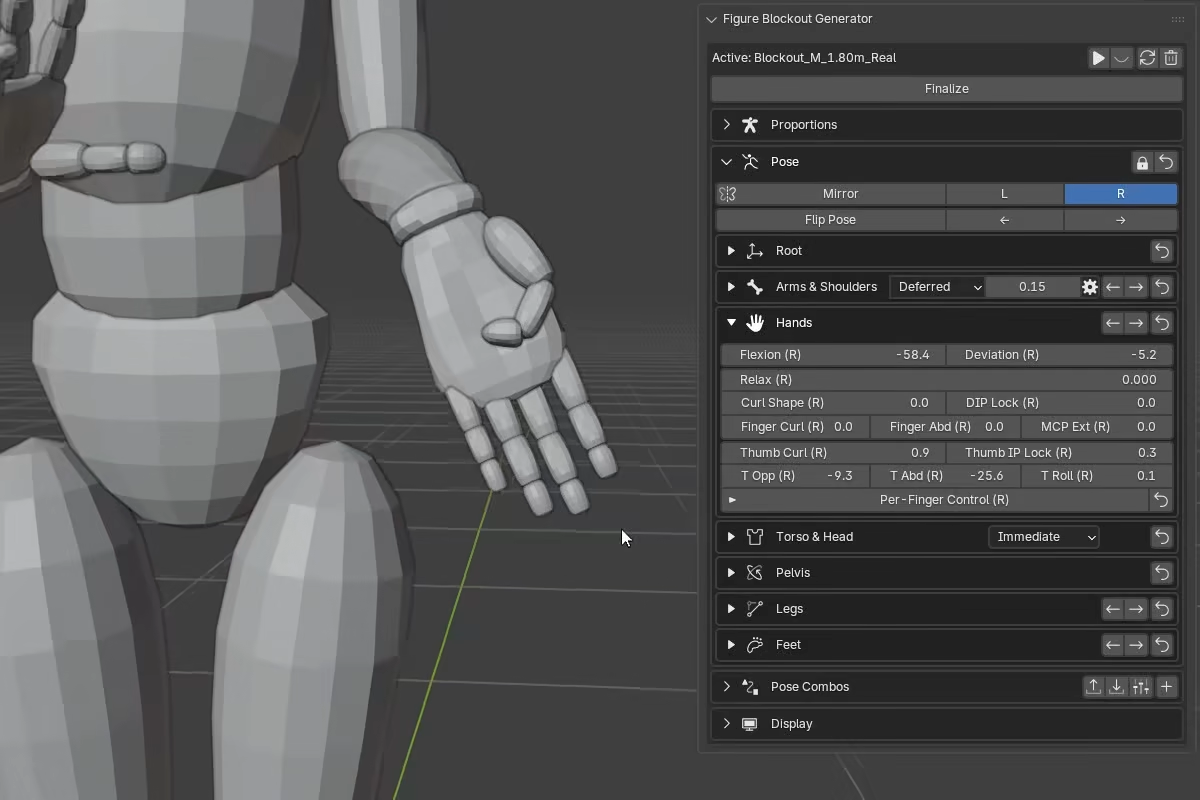
Thumb Curl folds the thumb through its MCP and IP joints. At stronger negative values (below -0.5), it also produces a hitchhiker-like IP extension.
Thumb IP Lock keeps the thumb tip straighter as thumb curl increases, while still allowing opposition to affect the IP joint. This lets you lock the tip posture without limiting the overall thumb curl.
T Opp moves the thumb across the palm. It also drives automatic thumb pronation and slight flexion so the opposing motion reads more naturally.
T Abd moves the thumb away from or toward the palm.
T Roll rotates the thumb around its own axis to refine pad orientation.
T Opp, T Abd, and T Roll define the thumb's base placement, while Thumb Curl and Thumb IP Lock refine the final shape.
How the controls interact
The hand controls are designed to layer predictably:
Relaxsets the starting posture.Finger Curl,Finger Abd,MCP Ext, and per-finger channels all work on top of it.Curl Shapereshapes how curl distributes across joints rather than acting as a separate pose layer.- Per-finger
Curl,Abd, andMCPchannels are additive offsets on the corresponding main controls. - The thumb is solved separately and is not affected by
Relax,Curl Shape, orDIP Lock.