Pose
FBG's posing workflow is entirely property-driven. You pose the figure through the UI panel rather than by manipulating a rig in the viewport. Each body region has its own set of properties, and every pose change is built from those values.
About the pose system
FBG's posing system is self-contained. It is built inside the add-on rather than inherited from Blender's native rigging system.
The pose controls are not wrappers around hidden armature controls, bone constraints, or bone-parented mechanisms. They feed into FBG's own chain of anatomical anchors, and the generated objects follow the solved result.
Every posing mechanism is a custom implementation written and designed for FBG. This is how the add-on can pose the figure without using a Blender armature as the editing rig.
Because the pose behavior is solved by FBG itself, it has its own feel. Some controls may behave differently from a native Blender rig, especially where the add-on is balancing anatomy on a figure whose proportions can still change.
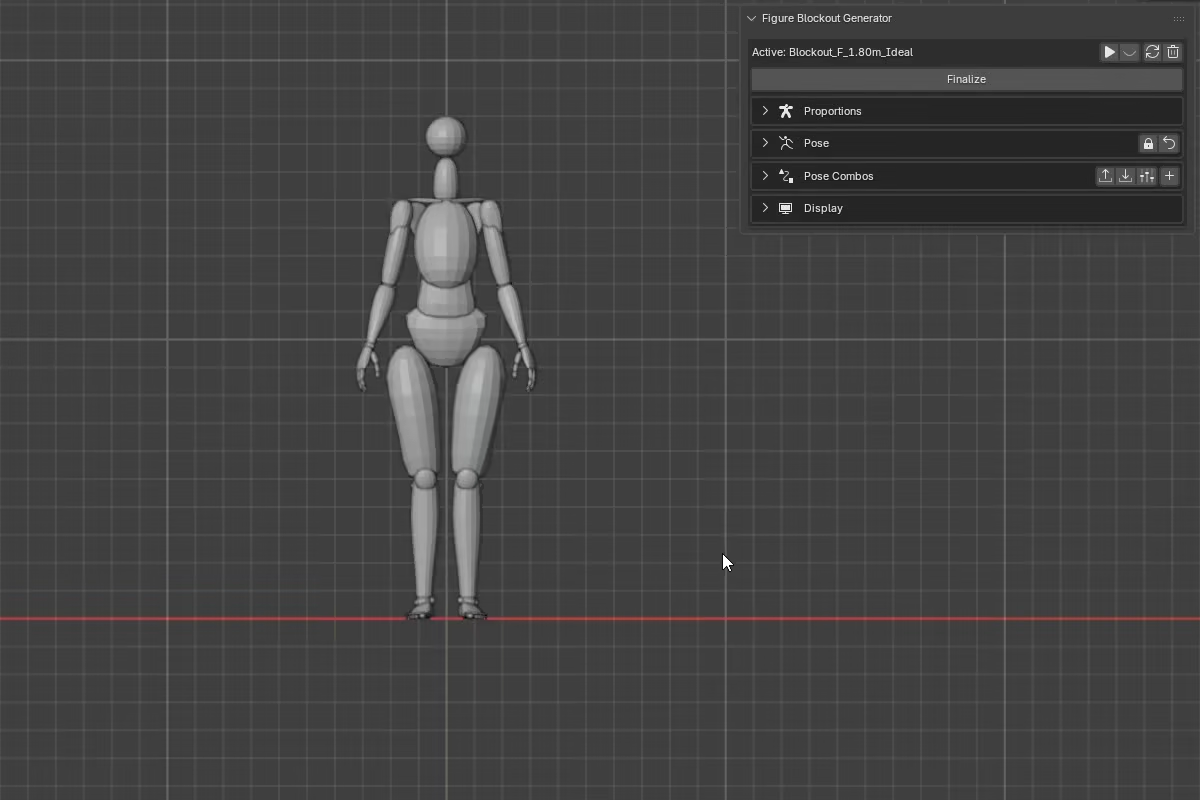
Pose Layout
The Pose section is split into central and bilateral regions:
- Central: Root, Torso & Head, and Pelvis
- Bilateral: Arms & Shoulders, Hands, Legs, and Feet
Central sections control the figure's central and global pose.
Bilateral sections control paired body parts and are affected by the Mirror setting described below.
Mirror
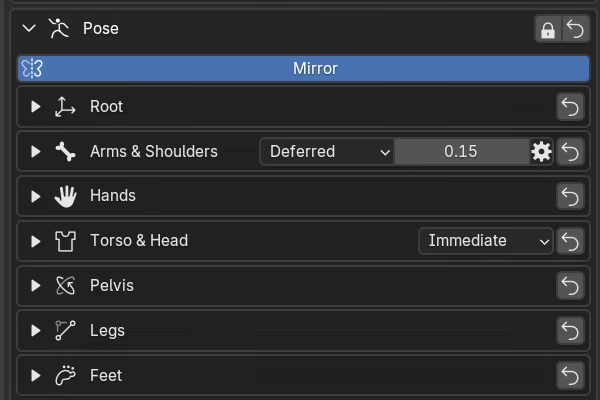
When enabled, the right-side property values drive both sides of the figure for all bilateral sections. The left-side properties still exist, but their values are not read during pose evaluation. FBG builds the left side directly from the right-side values. Central sections are unaffected by Mirror.
When you turn Mirror off, left and right become independent. L and R visibility toggles appear so you can show one side at a time, and bilateral properties are labeled (R) and (L) to distinguish them.
The first time you turn Mirror off, FBG copies the current right-side values to the left side if the left side has not been edited yet. This keeps the visible pose intact. After that, both sides retain their own values across mirror toggles.
Pose Combos follow the same rule. Combo values go through the same pose evaluation as direct property edits, so with Mirror on, only the right-side bilateral values affect the final pose. If a combo was authored with different left and right values, Mirror forces both sides to follow the right.
Symmetry tools
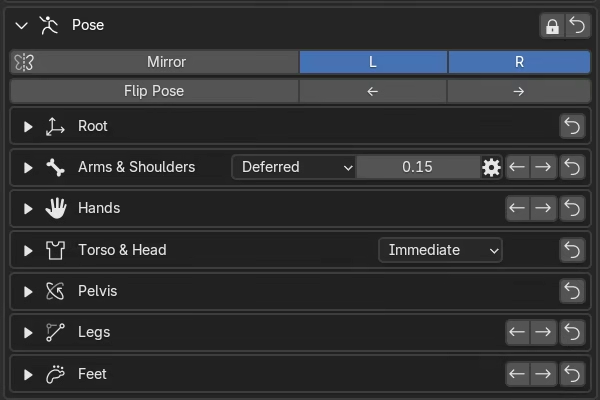
When Mirror is off, the Pose section exposes additional controls for working with left and right independently.
Flip Pose swaps left and right pose values across the whole figure. Bilateral properties exchange sides, while directional centerline values -- such as pelvis rotation, torso rotation, neck rotation -- have their sign reversed. The result is a mirrored version of the full pose.
Copy symmetry copies pose values from one side to the other as a one-time action. The global copy buttons below the Mirror row copy all bilateral properties at once. Each bilateral section header also has its own copy buttons for copying only that section.
Limits Bypass and Reset Pose
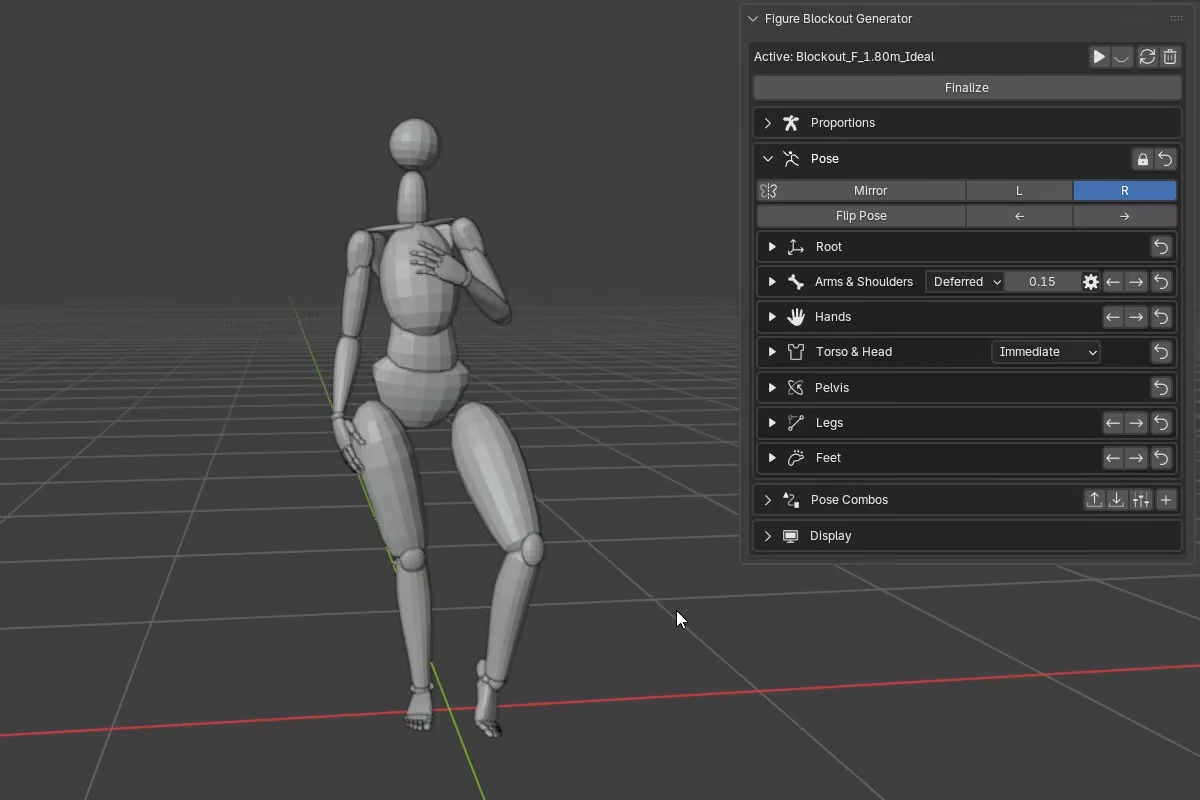
Limits Bypass (the lock icon in the Pose header) disables FBG's normal pose clamps. The default limits are practical working ranges, informed by anatomical motion, so normal posing stays controlled and believable.
Pose properties also have a wider technical range behind the scenes. With Limits Bypass off, values outside the normal range are clamped back automatically. With Limits Bypass on, FBG allows those over-range values so you can push poses further when needed. When you turn Limits Bypass off again, any out-of-range values are clamped back to the normal range.
Some normalized controls, such as toe controls, still drag within their normal -1 to 1 range even when Limits Bypass is enabled. To overdrive those controls, type the value directly into the field.
Reset Pose clears all pose properties back to their defaults at once. Each body region foldout also has its own reset button for clearing only that section without affecting the rest of the figure.
Mirror-off behavior
With Mirror off, bilateral section reset buttons respect the current L / R visibility filter. If only one side is shown, only that side is reset.
The main Reset Pose button always resets the full pose.
Auto Stance Height
Auto Stance Height is a pose-wide support option used mainly with the Feet controls. When it is enabled, support changes such as Foot Roll and Foot Bank can lift the whole figure. When it is disabled, that lift does not happen and the support change stays local to the feet and legs.
For the full behavior, especially with Mirror on or off and in asymmetrical stances, see Feet -> Figure lift.
Update modes
Some body regions include update mode controls in their section headers. These control when mesh deformation recalculates as you adjust pose values -- choosing between Immediate, Deferred, and Off depending on how responsive you need the viewport to be. For details, see How FBG Works.