Legs
Each leg can be posed in FK or IK mode. Foot articulation is handled separately in Feet.
At a glance
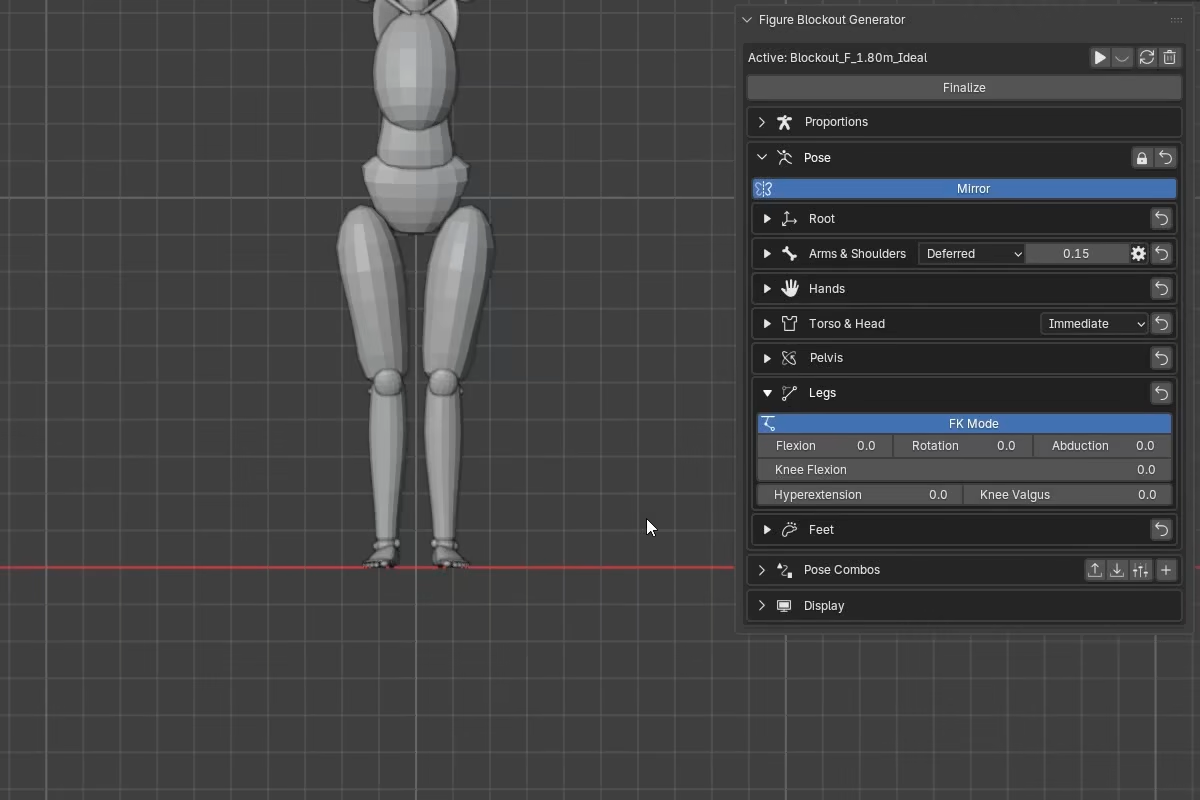
Leg - two working modes with shared knee controls:
FK Modeposes the leg by joint rotation angles.IK Modeposes the leg by foot target (Foot X/Y/Z) and knee pole.HyperextensionandKnee Valgusare available in both modes.
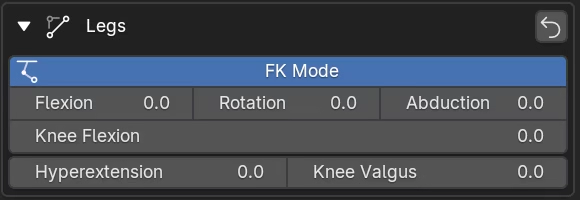
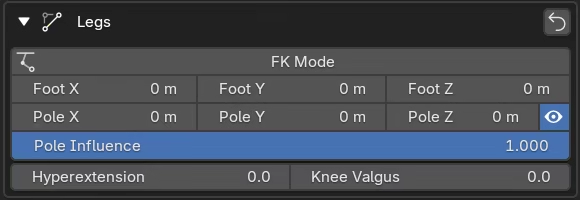
Leg modes
Each side can use FK or IK independently.
In FK, you set joint angles directly. In IK, you set where the foot goes and the leg solves to reach it, with explicit knee direction through the pole target.
FK mode
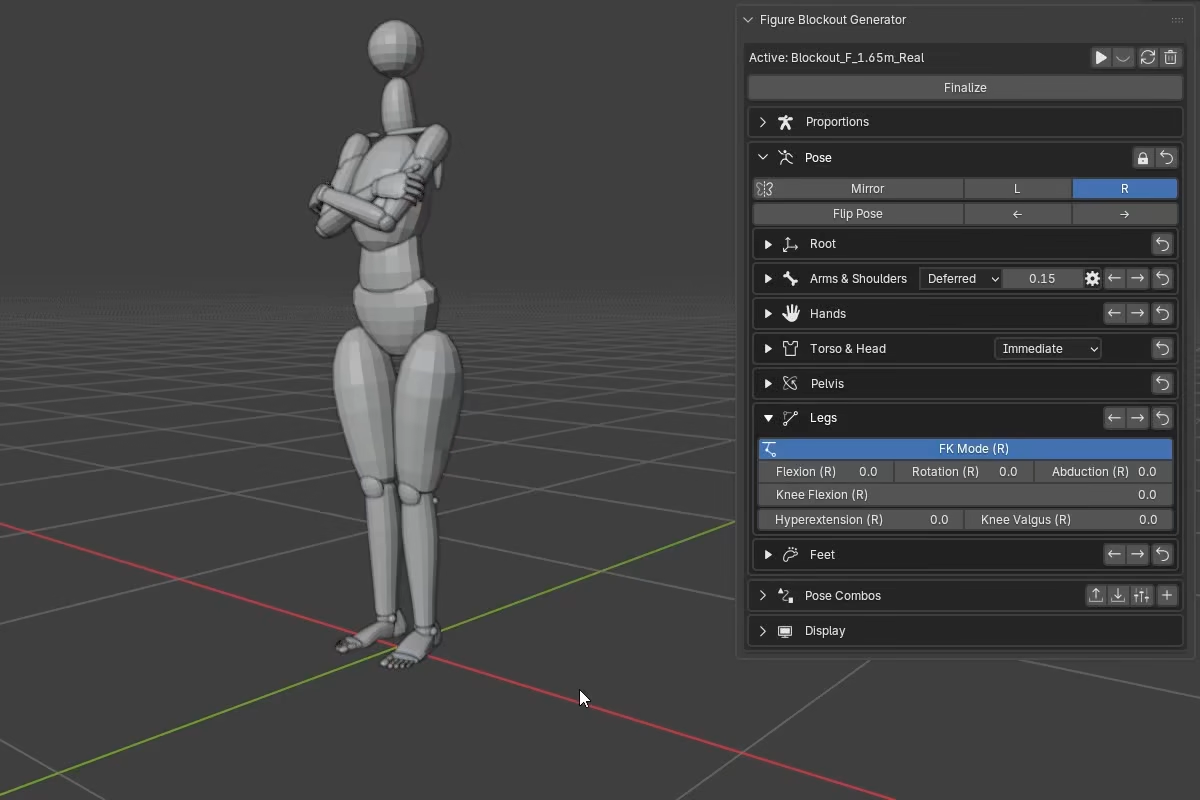
With FK Mode enabled, the section exposes:
Flexionswings the leg forward or backward.Abductionswings the leg out to the side.Rotationrotates the leg around its long axis.Knee Flexionbends or straightens the knee.Hyperextensionpushes the knee past straight into a hyperextension.Knee Valgusadjusts the inward leg alignment (bicondylar angle).
IK mode
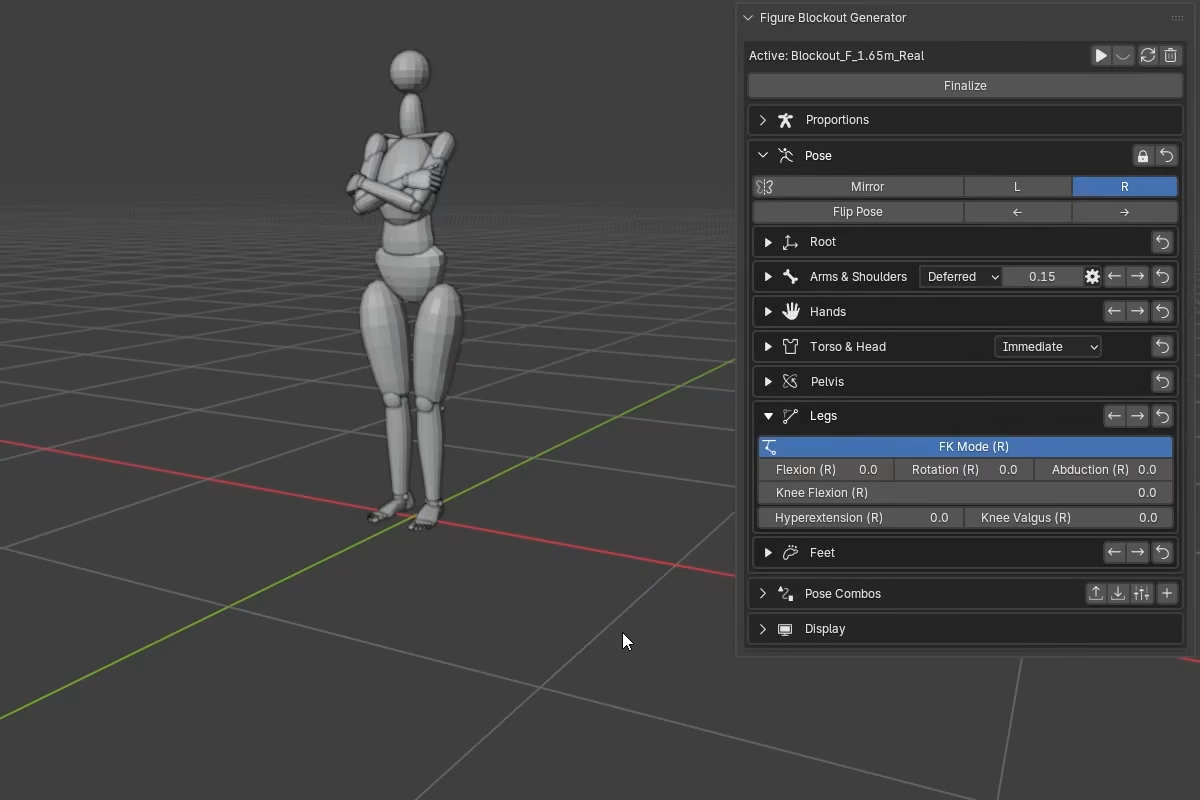
With FK Mode disabled, the section switches to a planted-leg IK solve:
Foot X,Foot Y, andFoot Zmove the planted ankle target in figure space.Pole X,Pole Y, andPole Zmove the knee direction target.Pole Influenceblends between the default knee direction and the explicit pole target.- The eye icon next to the pole controls toggles the knee pole marker in the viewport.
HyperextensionandKnee Valgusremain available.
The IK solver keeps a small bend reserve near full extension. If the foot target exceeds stable reach, the leg holds that near-straight state rather than collapsing into a fully straight solve.
Knee Valgus
Knee Valgus adjusts the leg's bicondylar angle -- the structural angle between the femur and the mechanical axis of the leg. This is not a knee-local bend; it changes the geometry of the whole leg, including the foot position.
The figure includes a base angle from proportions, so the slider works as an offset on top of that base.
| Preset | Base angle |
|---|---|
| Female realistic | 10 deg |
| Female ideal | 9 deg |
| Male realistic | 7 deg |
| Male ideal | 6 deg |
FK behavior: The bicondylar angle is built into the knee's flexion axis, so the tibia tracks the femur coherently as the knee bends instead of hinging in a flat frontal plane.
IK behavior: The bicondylar angle is built into the planted leg reference, so changing it shifts the ankle target even when Foot X/Y/Z are unchanged. The IK solve then matches the leg to this updated reference.
Knee Hyperextension
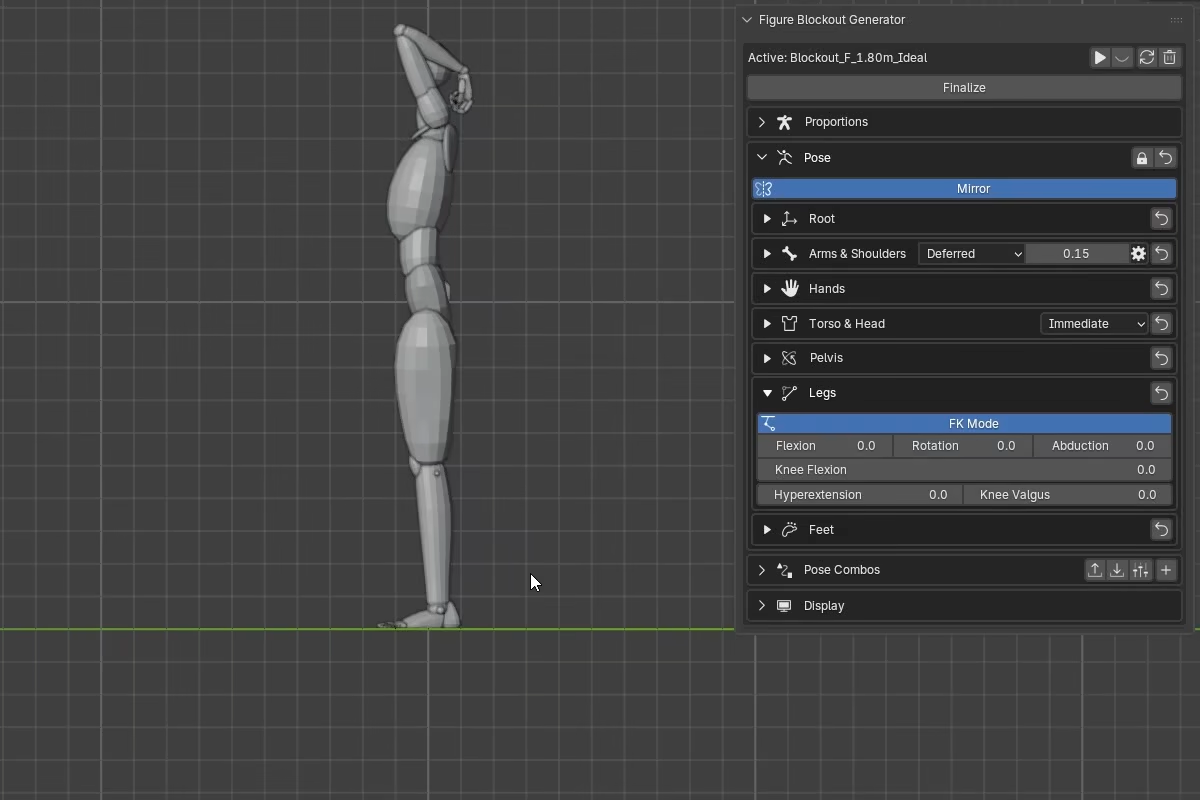
Hyperextension pushes the knee past straight, giving the leg a backward bow near full extension.
FK behavior: Hyperextension rotates the femur past neutral and rebuilds the tibia toward the resulting ankle position. The effect fades out linearly as knee flexion increases and is fully suppressed at 20 deg of flexion.
IK behavior: Hyperextension adjusts the solved leg while the ankle target stays planted. The knee shifts, the tibia redirects to the same ankle target, and the effective shin length can vary slightly as a result. The same 20 deg fadeout applies.
Shin length
Knee Valgus and Hyperextension can both change the effective knee-to-ankle distance. The leg carries its base valgus angle even when the slider is at zero, so slight shin length variation can appear in ordinary poses.
Bake To Rig: FBG compensates by keying shin Y-scale on every baked frame, keeping the baked rig aligned with the source figure.
Export consideration
If you plan to export or retarget, check whether your destination workflow supports animated bone scale.